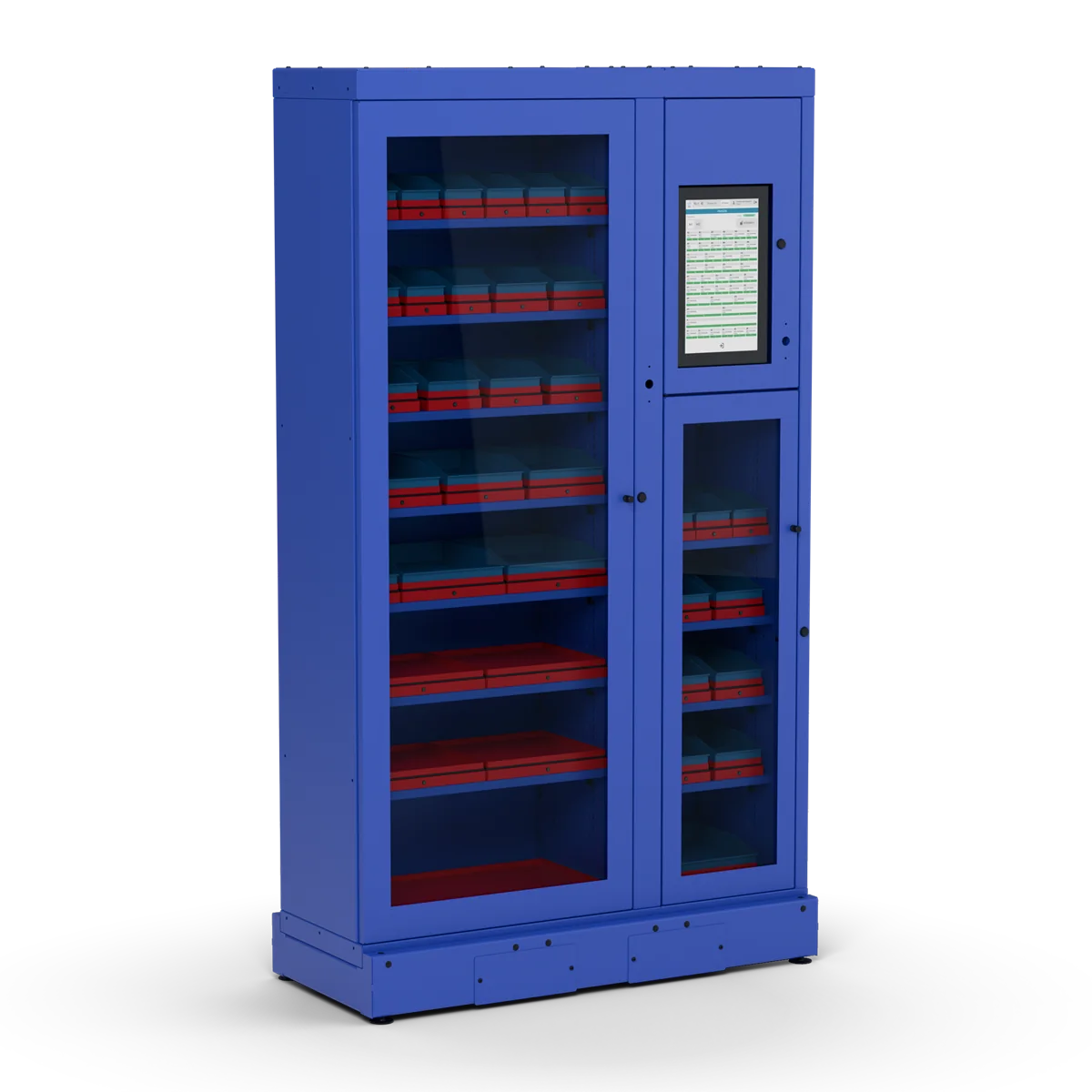
Workers take gloves, discs, screws and spare parts from the cabinet at any hour. Every product has its own weighing cell, so the stock is always up to date without counting by hand. When a product runs low, a notification goes to your purchasing team, or straight to your supplier as an order.
In use at tool and hardware distributors in the Baltics and at a manufacturer’s branch in Poland.
Consumables are used every day, but the stock is only checked now and then. Often the first sign of a problem is an empty shelf.
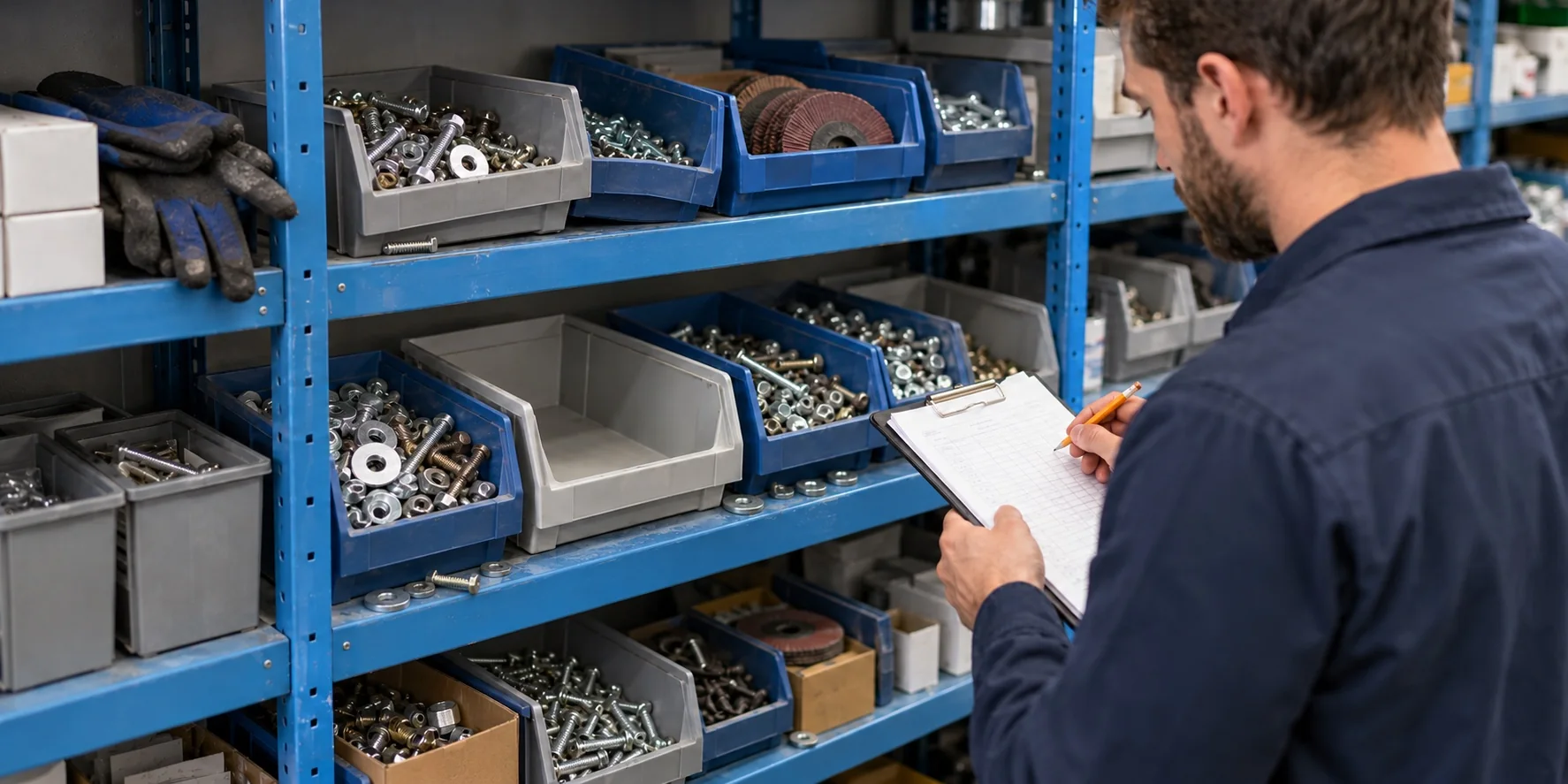
Someone counts by hand and types the numbers in later. By then the numbers are out of date.
A part runs out on a Friday night shift. Production waits for an express delivery.
Without consumption figures per department, purchases are planned from guesses, and nobody sees which line uses the most.
Workers lose time walking to a central store, and on night shifts the store is often closed.
Inostorage keeps your consumables in a locked cabinet that weighs each product. Every withdrawal changes the stock figure at once. When a product gets low, the platform sends a notification, so the reorder starts before the shelf is empty.
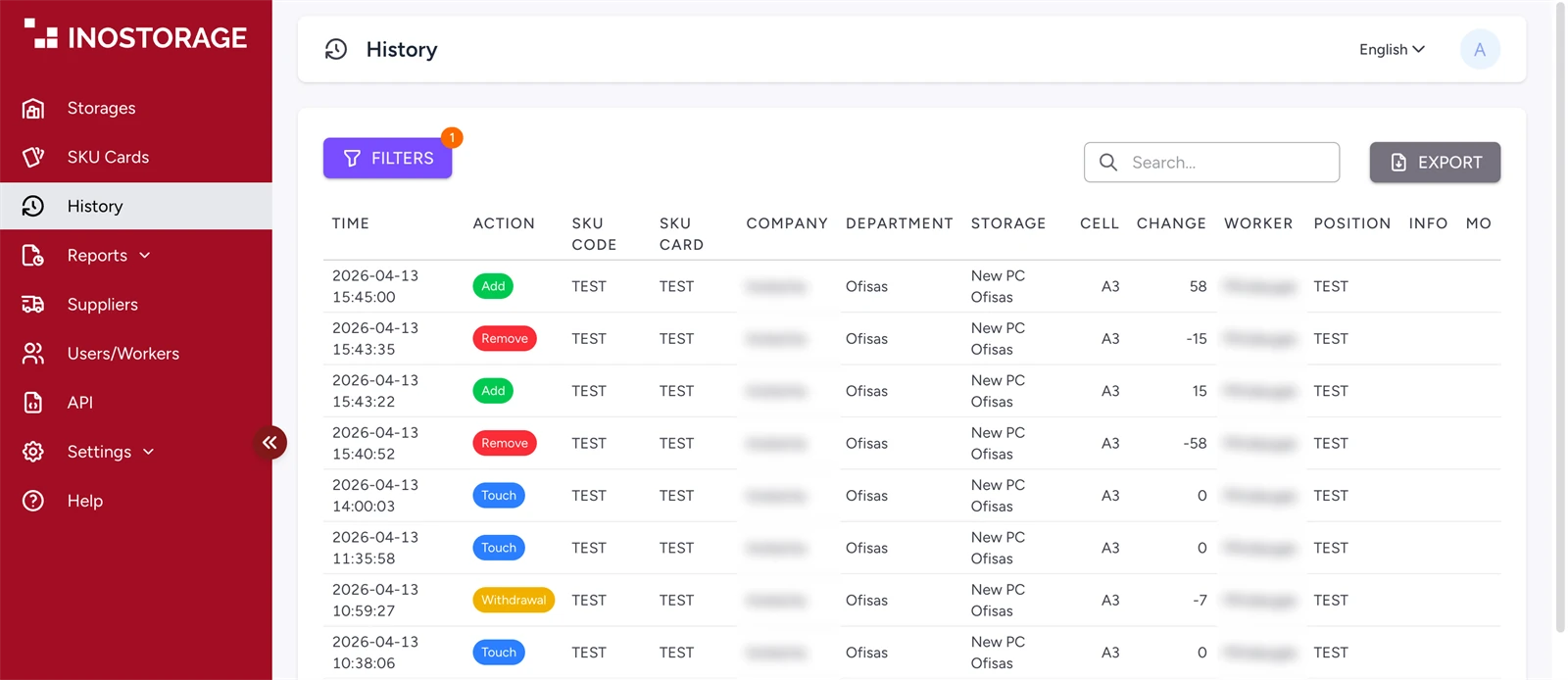
 Inostorage platformCloud platformUpdates the stock at once and records who took what, when, and from which cell.
The supplier refills the cabinet, and the cells record the new stock. Nobody counts by hand.
The worker taps an ID card or enters a PIN on the touch screen.
The electronic lock opens the door for registered workers only.
The worker takes as many items as needed from any cell.
The cell weighs the change and calculates how many items were taken.
The platform logs who took what. Low stock triggers a notification.
Every system has one main unit with the touch screen. You add as many expanders as you need, now or later. Each product has its own weighing cell, and you choose the cell sizes for every shelf. Nobody scans a barcode or types in a quantity.
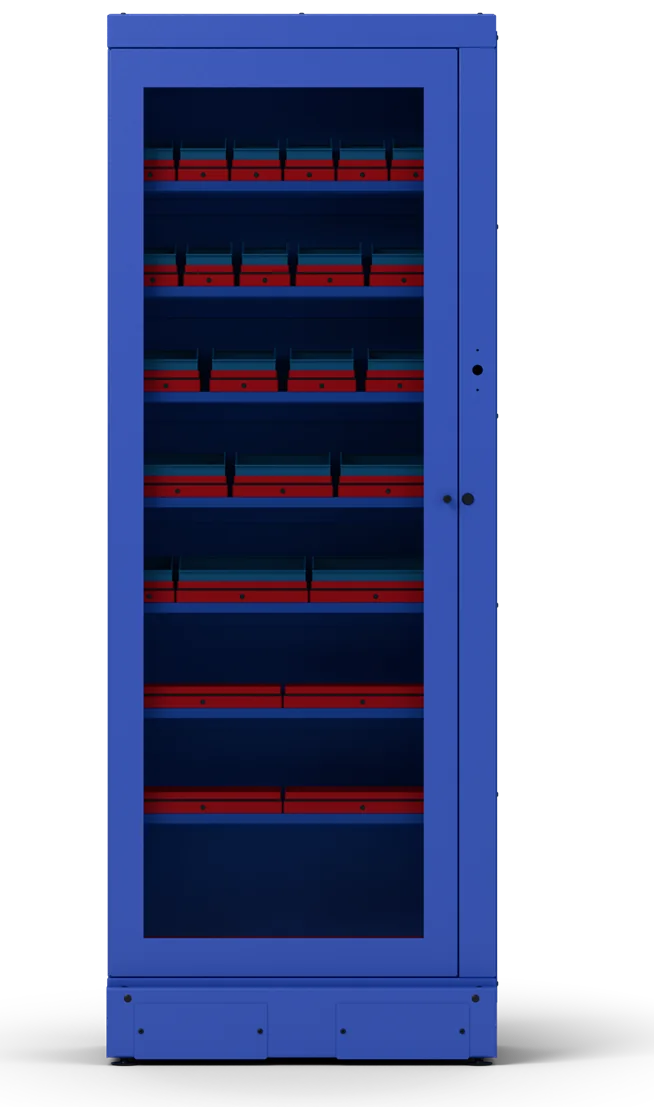
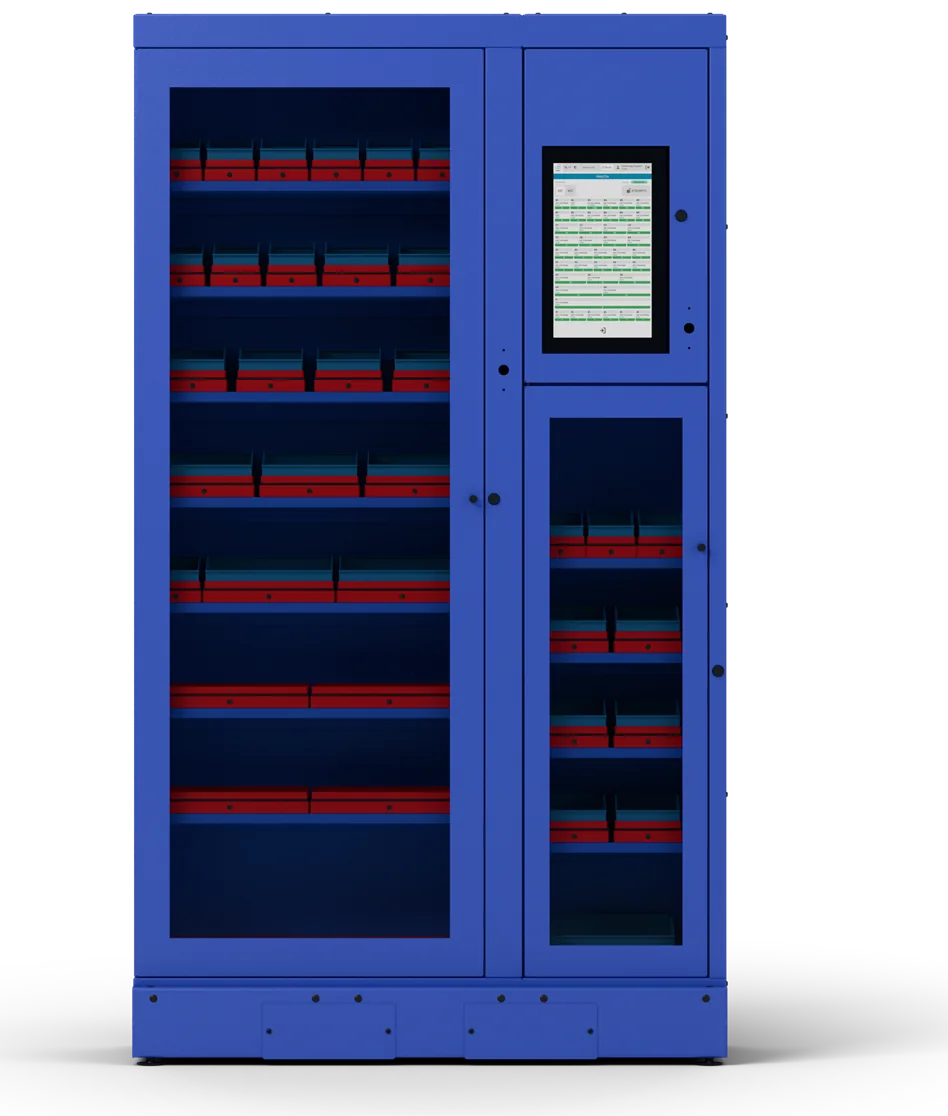
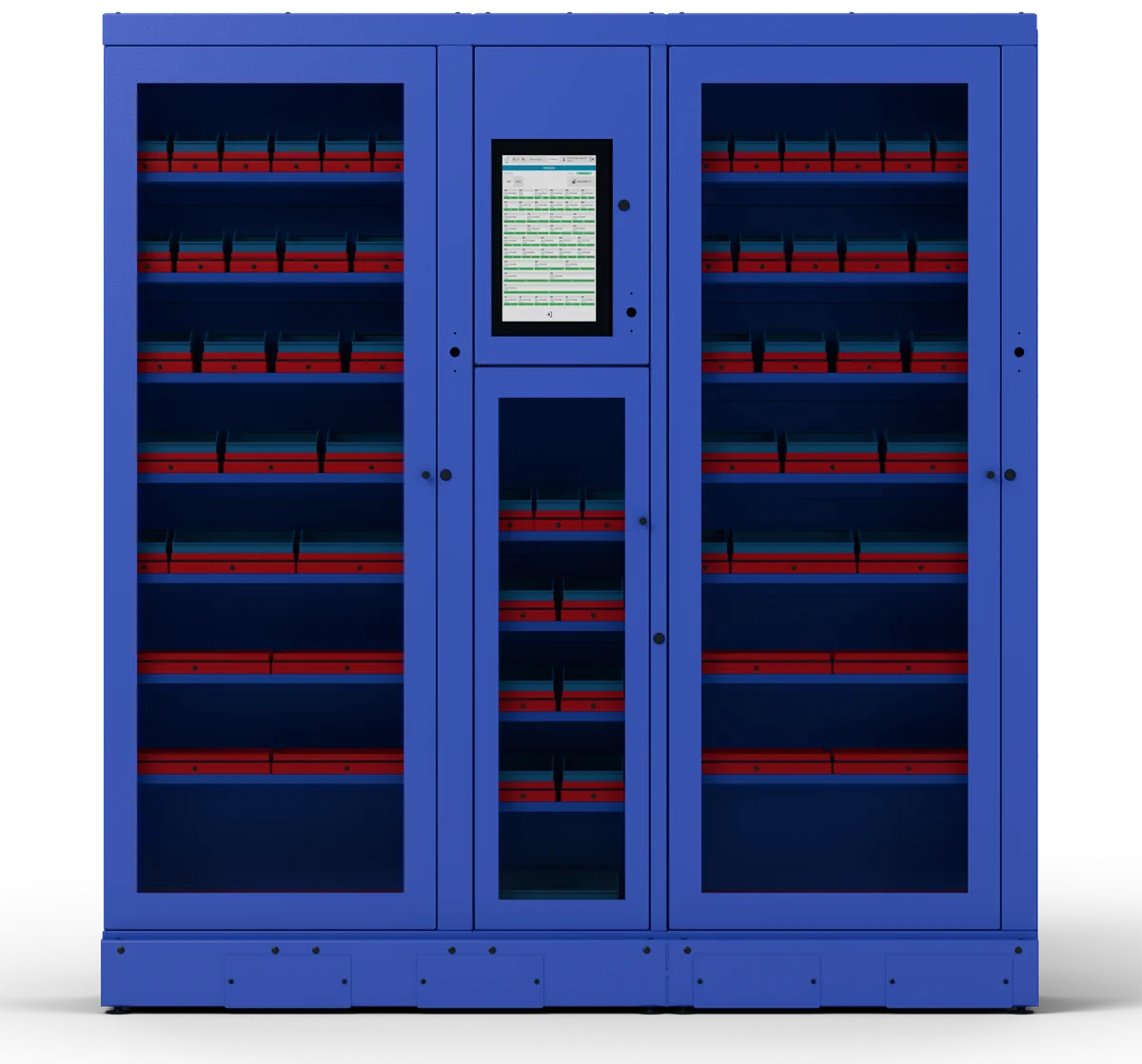
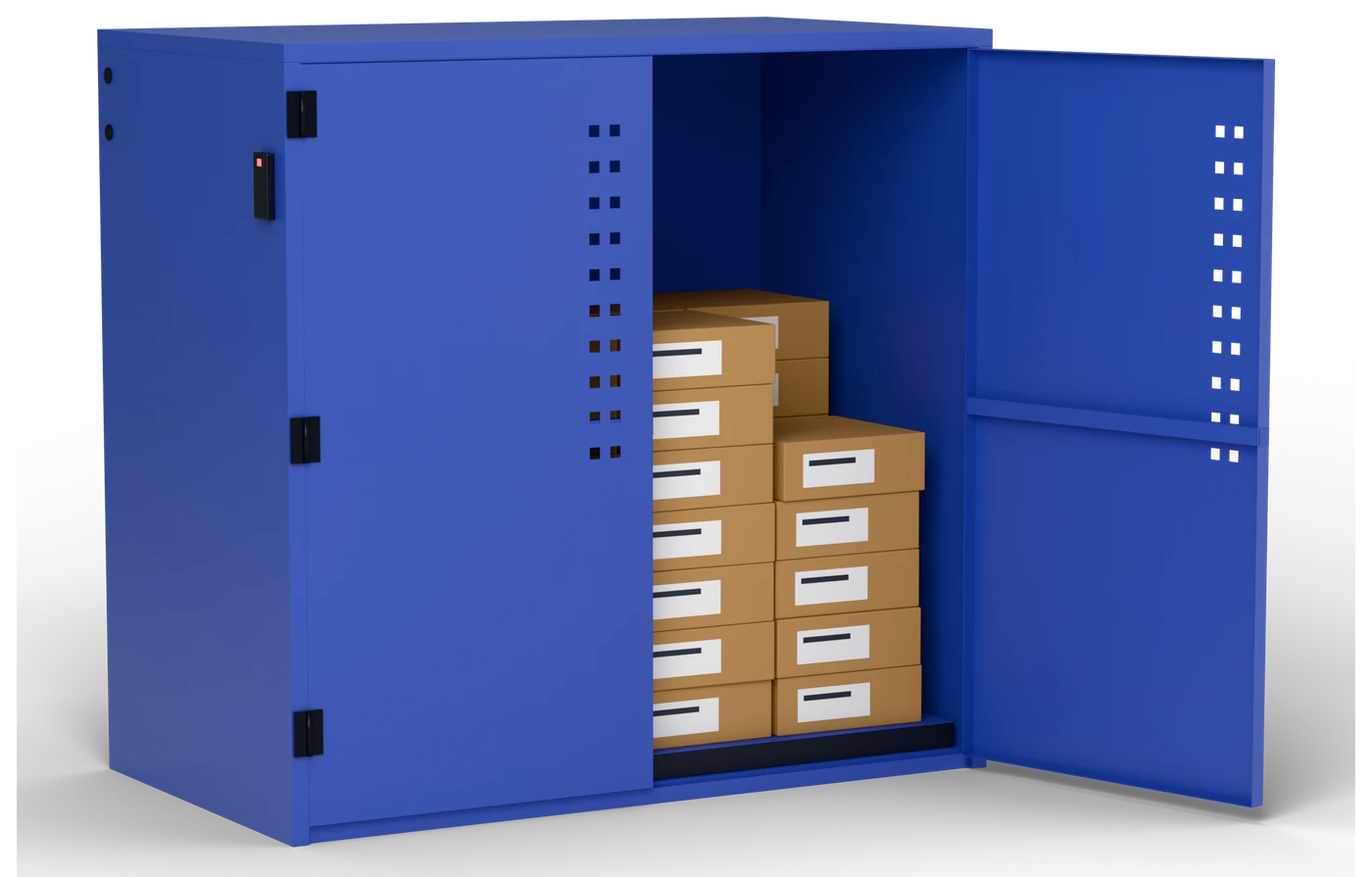
The weighing technology can be fitted to your needs, from the colour to the form factor. One example is the bulk unit: a lockable two-door cabinet for heavy and bulky stock such as welding wire. Its whole floor is a scale, so every box taken out is counted.
Colours and form factorsAll your cabinets connect to one web platform. You see the stock levels, every change in stock, and the consumption by department.
More about the cloud platformYou set a recipient for each item: your purchasing team, or the supplier as an order.
Consumption reports go on a schedule to purchasing or management.
The API passes the cabinet stock to your accounting or ERP system.
The same cabinet does two different jobs. A factory uses it to control its own consumables. A supplier puts it at a customer’s site to see what the customer uses.
Control your own consumables
Supply your customers from real use
Sell Inostorage to your own customers under our name or your own brand, or build it into your own product.
Anything that can be counted by weight: screws, cutting discs, gloves and other personal protective equipment (PPE), spare parts and hand tools. For borrowed tools, the platform records who took each one and when it came back.
Full list of product groups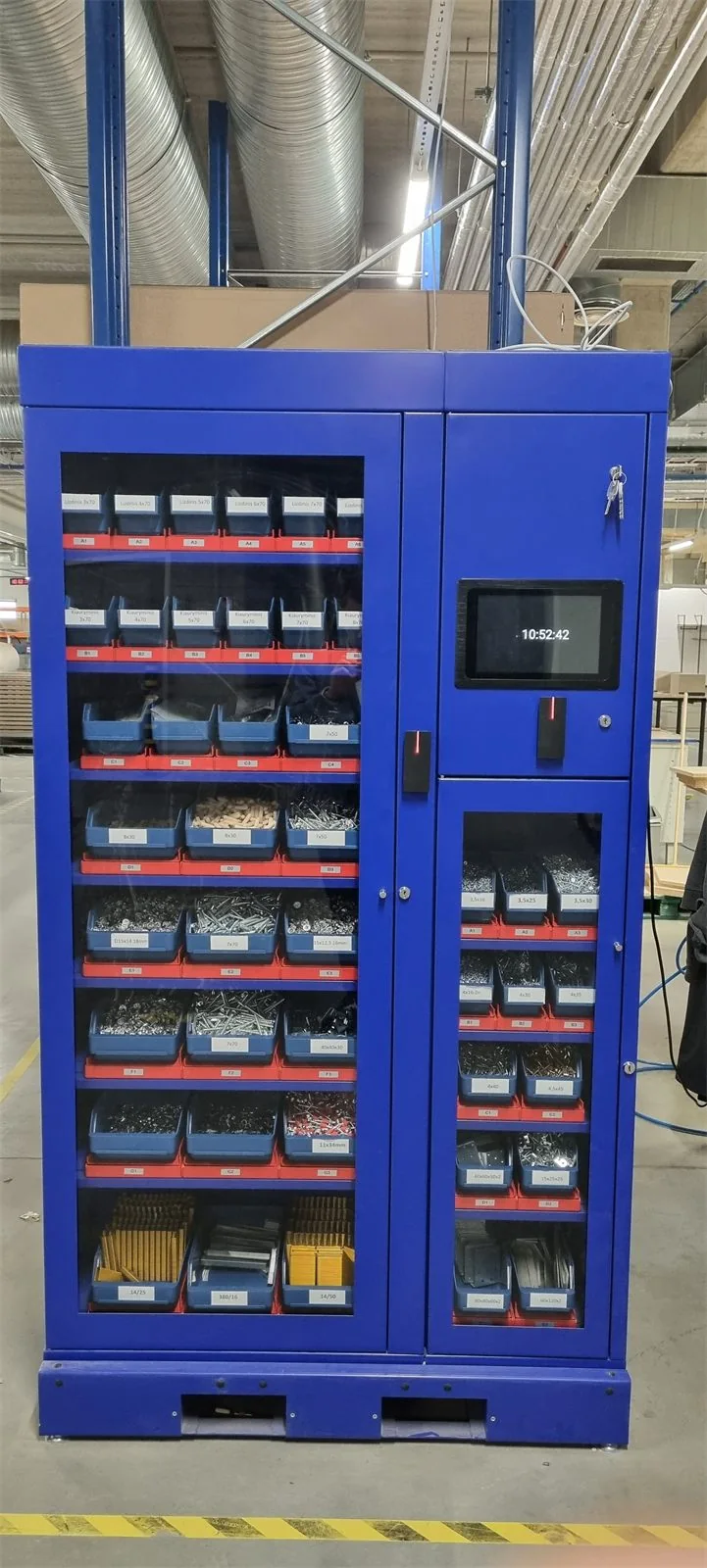
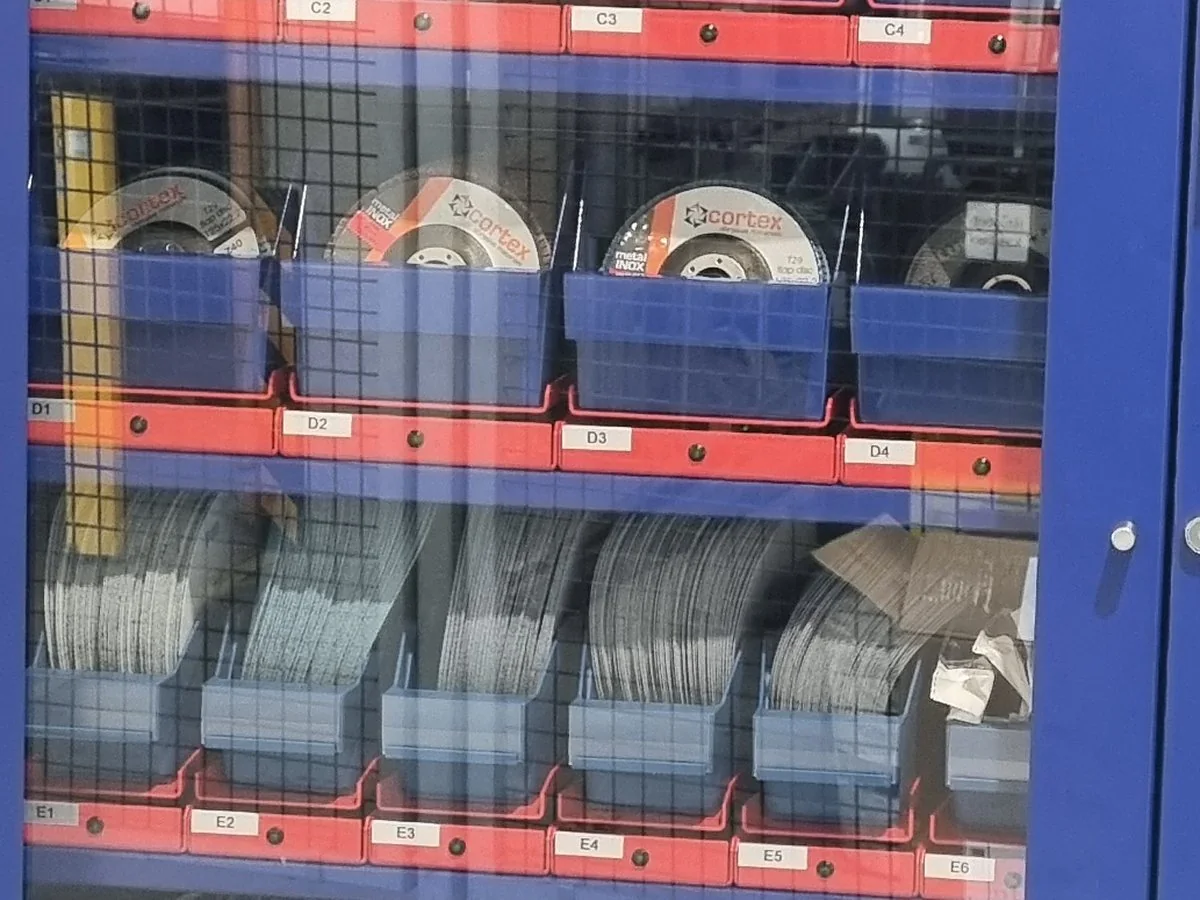
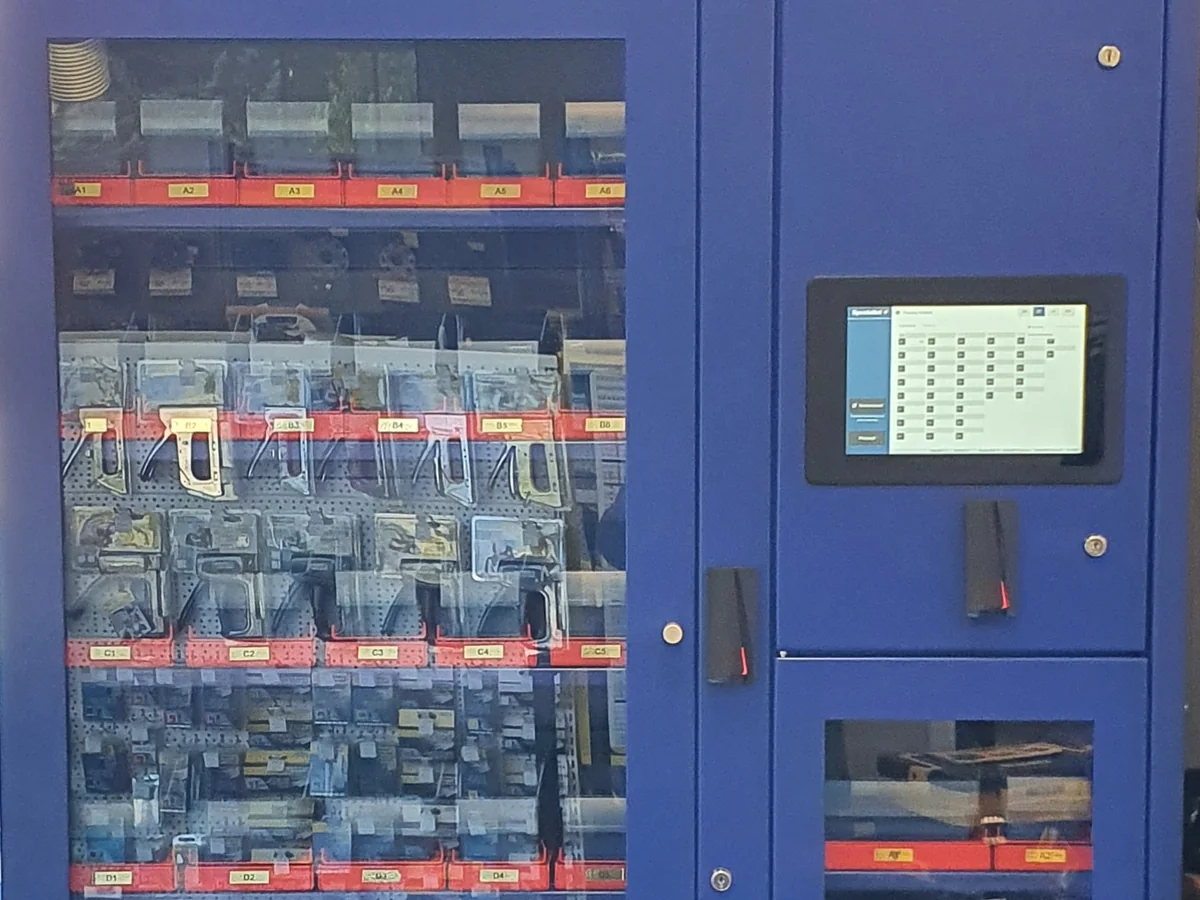
The weighing cells keep the stock figures up to date in your own store or at the production line.
The supplier sees the customer’s stock and refills it before it runs out.
A cabinet at the customer’s site works as a small sales point that is open around the clock.
A fixed stock of the parts that would stop a machine, kept next to it.
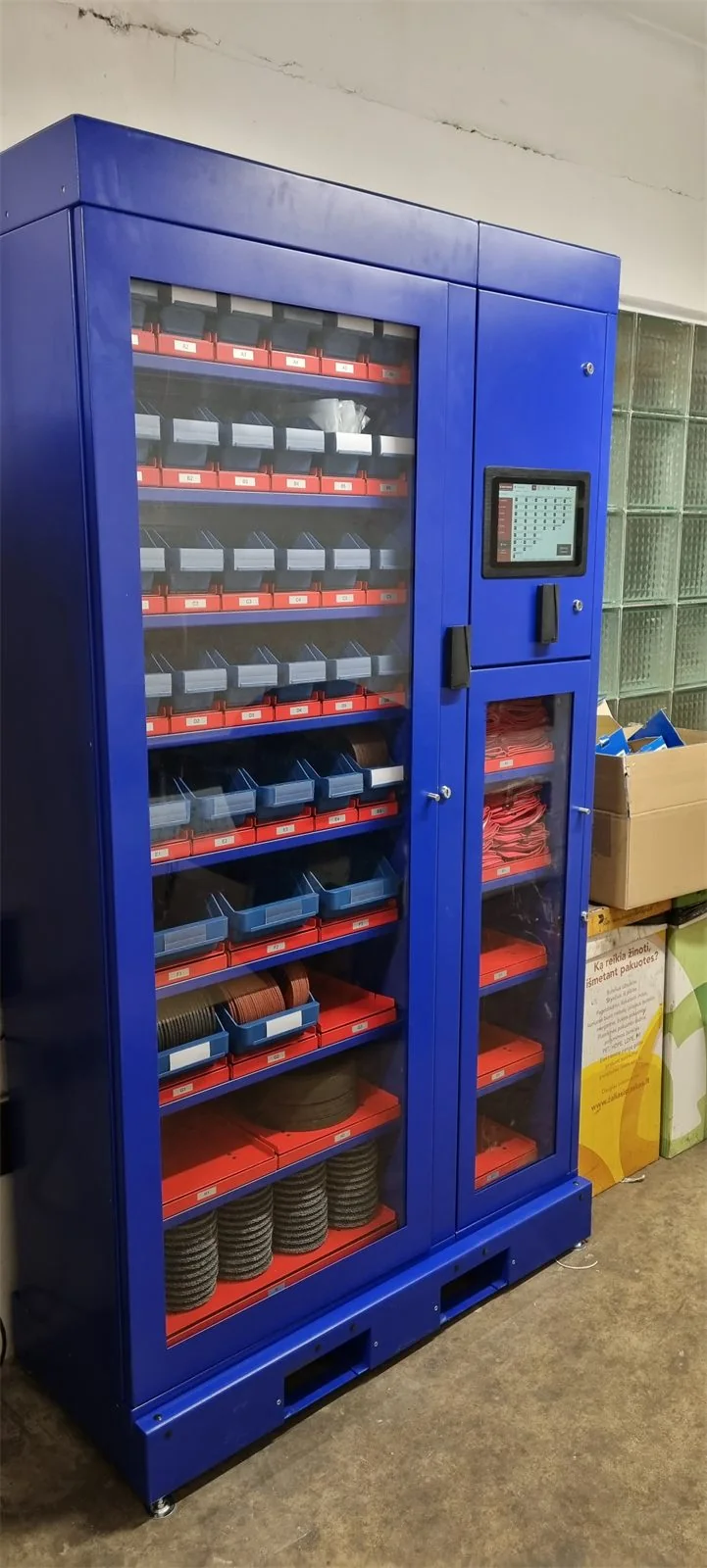
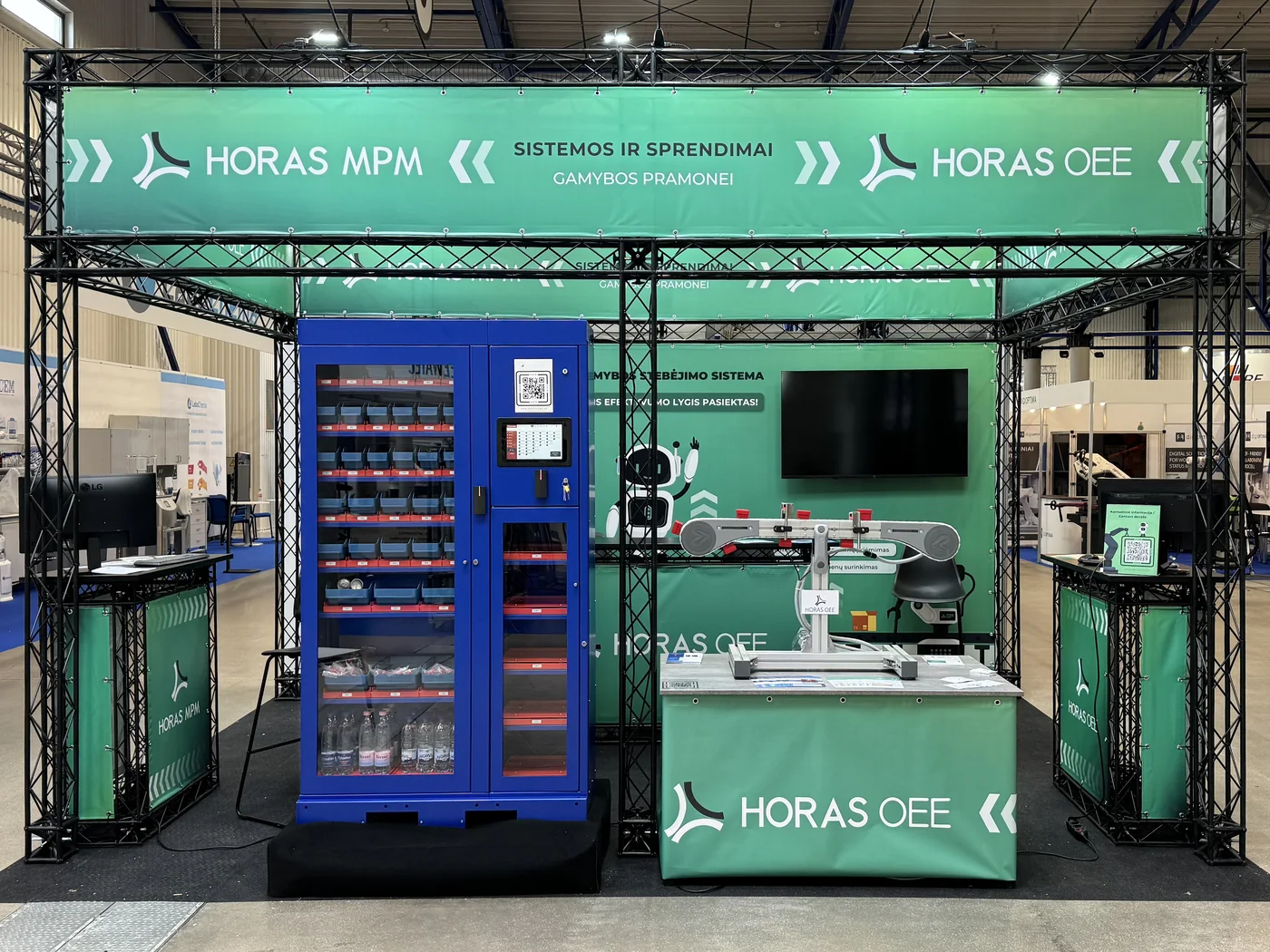
Inostorage is designed and made by UAB „Horas technologies“ in Klaipėda, Lithuania. Our main work is software for factories: production automation, data capture and quality control. Inostorage came out of that work.

We developed the weighing cell together with Klaipėda University, in a project co-funded by the European Union. EU projects
A 30-minute demo online or at your site. Or put together your own cabinet in the configurator.
 INOSTORAGE