The weighing cells keep the stock count up to date, the cloud platform shows the stock of all your cabinets in one place, and a low-stock notification starts the reorder in time.
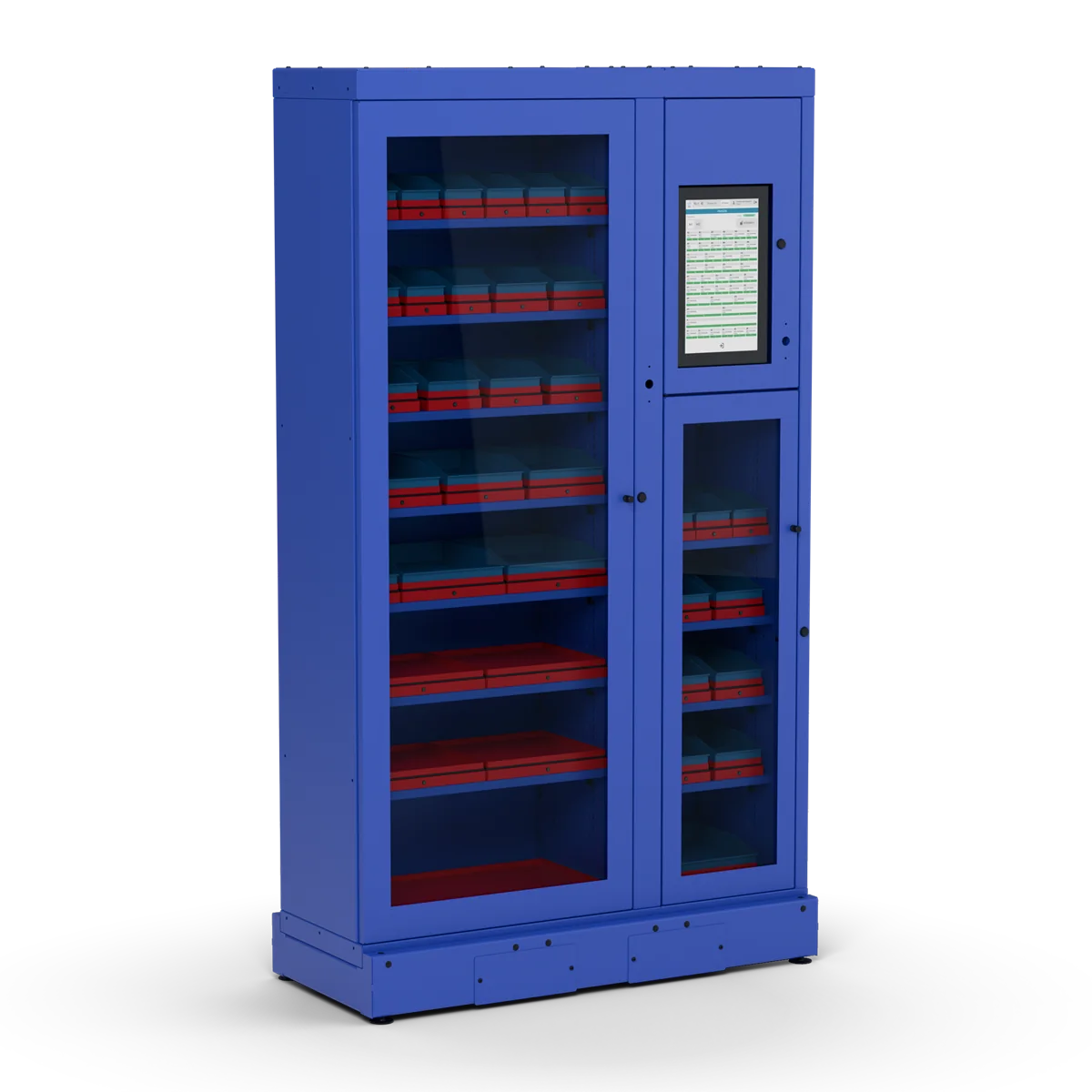
Every product has its own weighing cell: a red scale tray with load cells (weight sensors), with a plastic bin or a metal box on top. Large items lie directly on the tray, or in any container you like, such as a cardboard box.
A cell holds from 5 to 80 kg, depending on its size, its load cells and the cabinet depth. You choose the cell sizes for each shelf.
The door stays locked until a registered worker logs in with an RFID card or a PIN. In the platform you decide who can open which cabinet.
The main unit's screen shows every cell with its product and current stock.
Every withdrawal and every refill is recorded from the weight change.
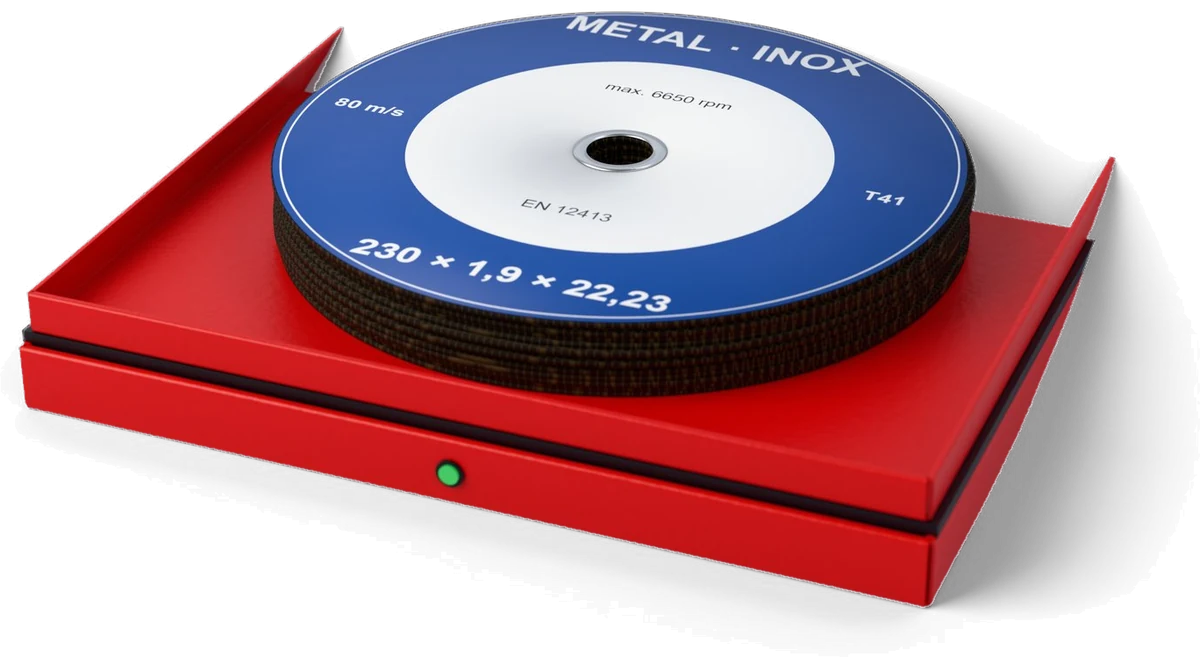
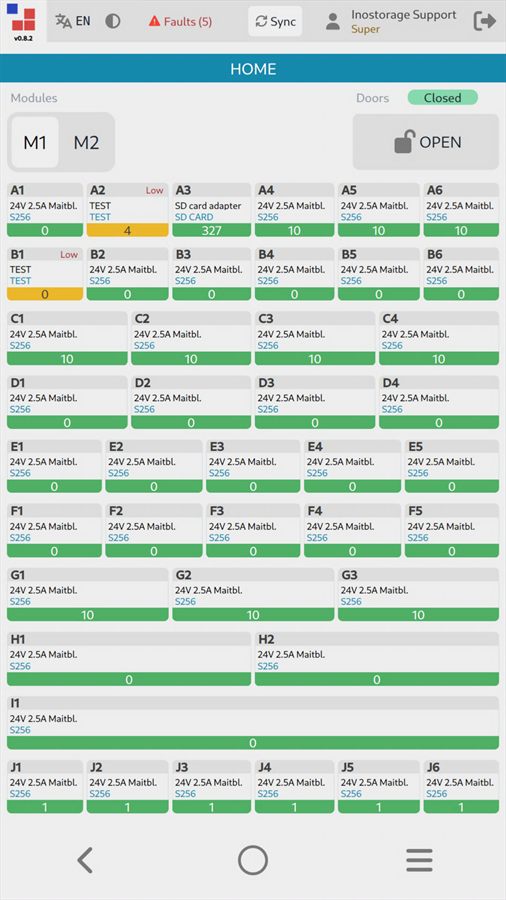
The cell weighs the change, so the stock figures stay correct without a scan or a typed quantity.
No barcode to scan and no quantity to enter, so the records stay complete even when people are in a hurry.
Counting 200 washers by hand is slow; the cell counts them from the weight.
The low-stock notification is based on what was actually taken, not on a count from last month.
The real accuracy depends on the item weight, the load cells and the calibration. Keep one product type in each cell.
All your cabinets connect to one web platform: stock levels, every change in stock, and consumption by department.
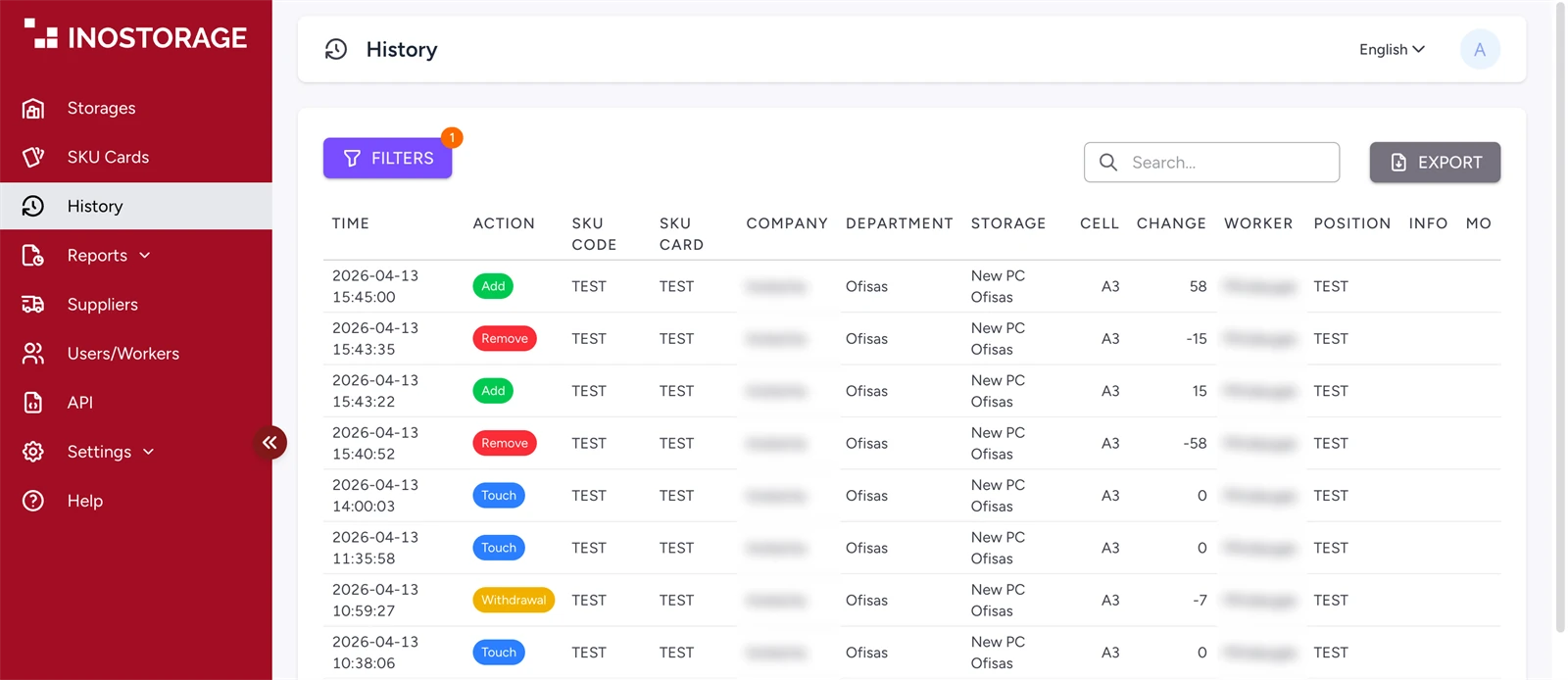
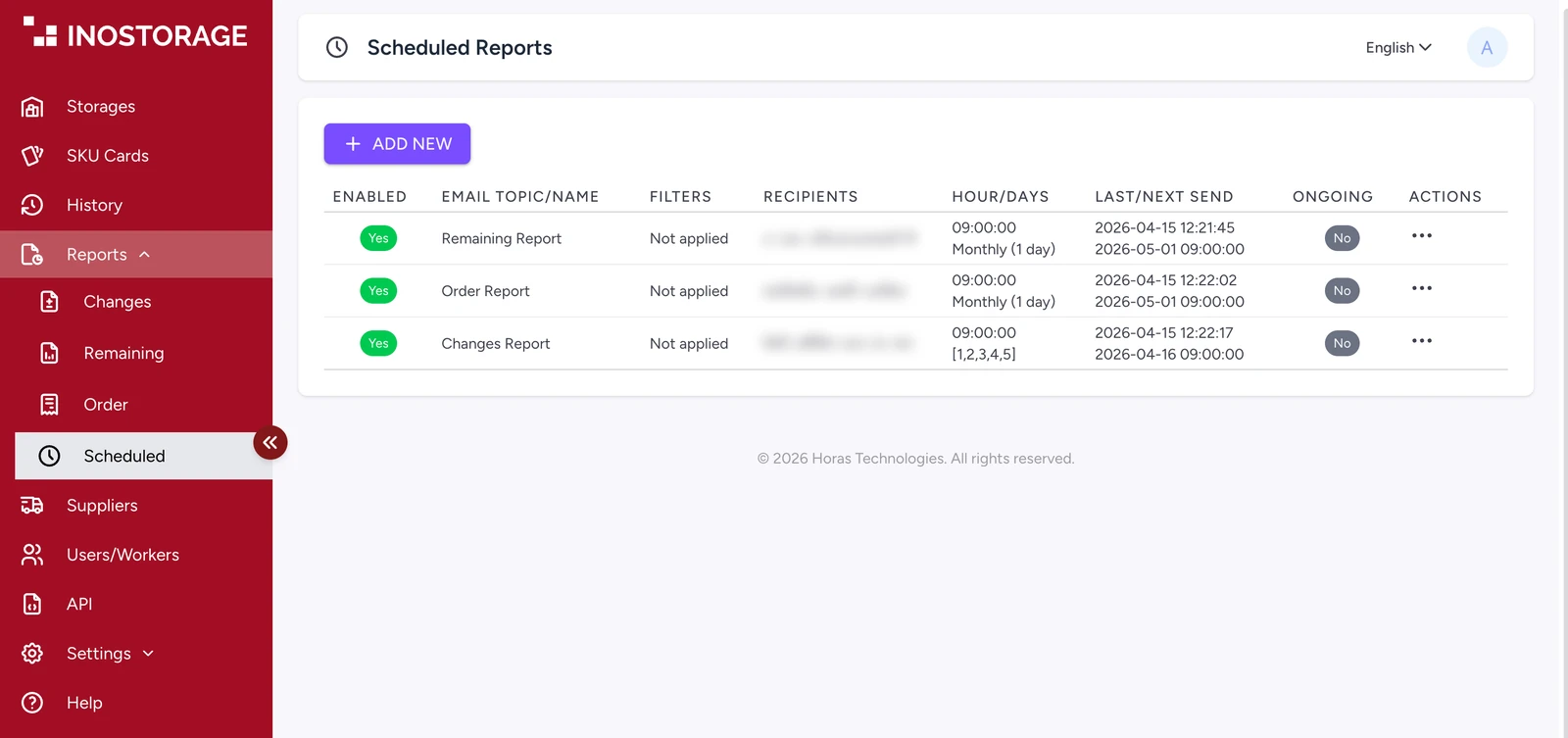
Every event with time, action, item, cell, quantity, worker and department. You can search and export it.
Consumption reports sent on a schedule to purchasing or management. Suppliers who charge by consumption use them to invoice.
You set a recipient for each item: your own purchasing team, who places the order, or the supplier, who receives the notification as an order.
The Inostorage application programming interface (API) passes the cabinet stock to your accounting or enterprise resource planning (ERP) system. The documentation is in the platform.
Add users, group them by department and set who can open which cabinet.
The platform works in English and Lithuanian.
Every system has one main unit with the touch screen. You add as many expanders as you need, now or later. If the system does not fit in one line, an expander can stand apart and connect to the main unit by cable.
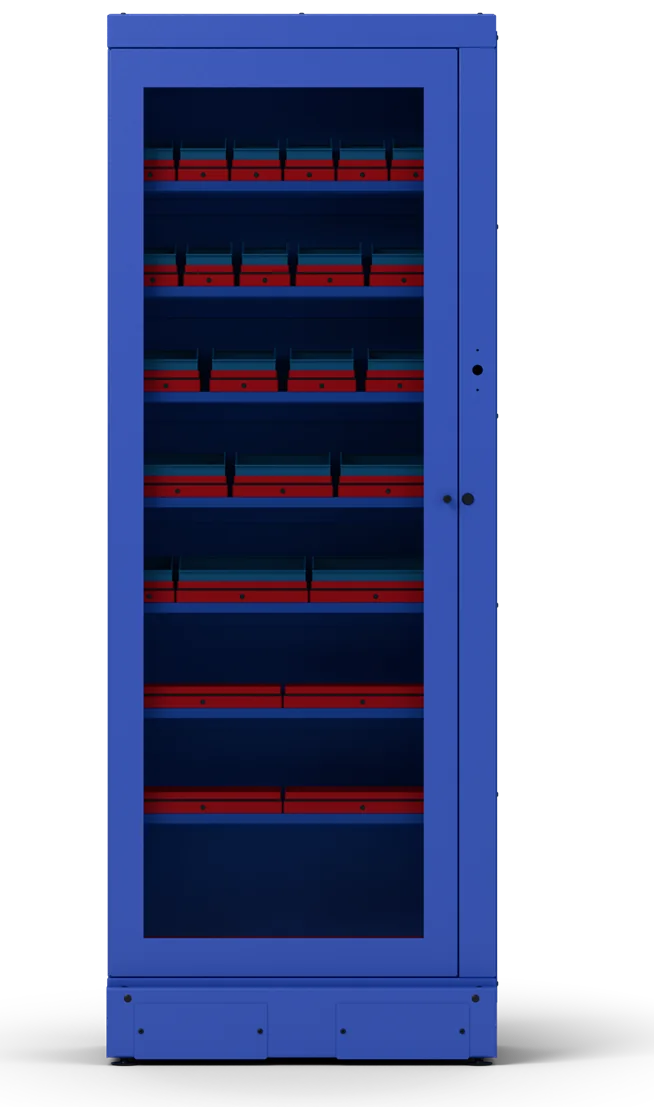
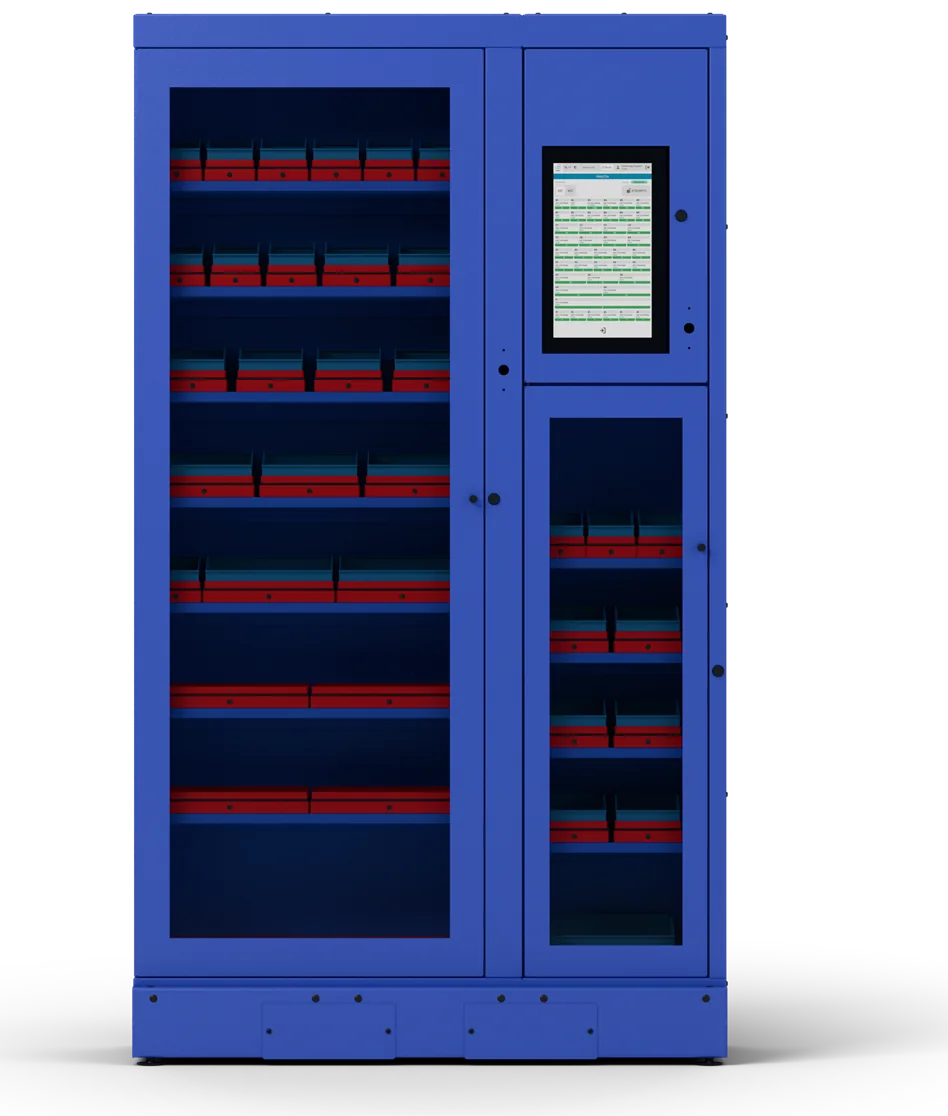
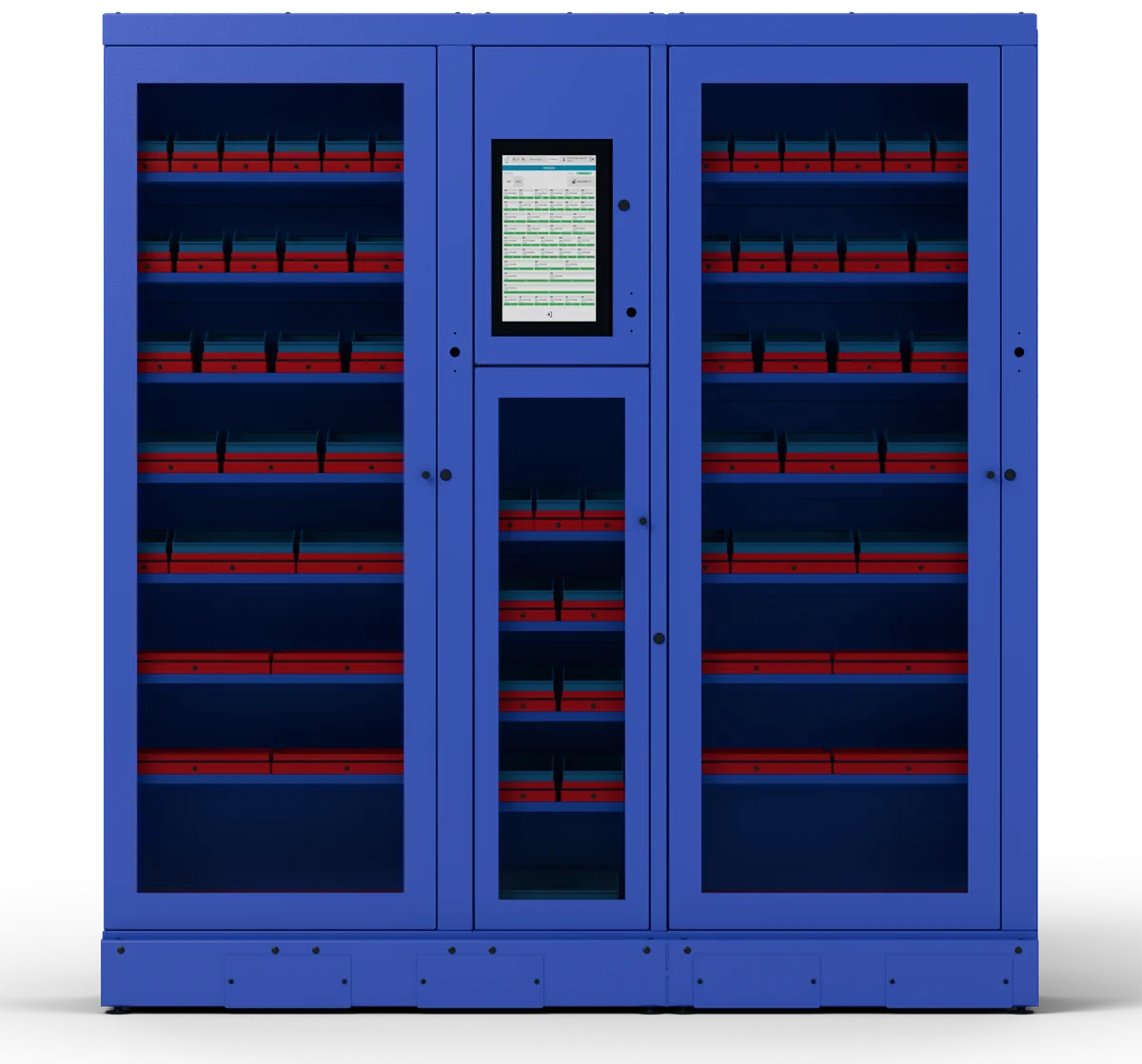
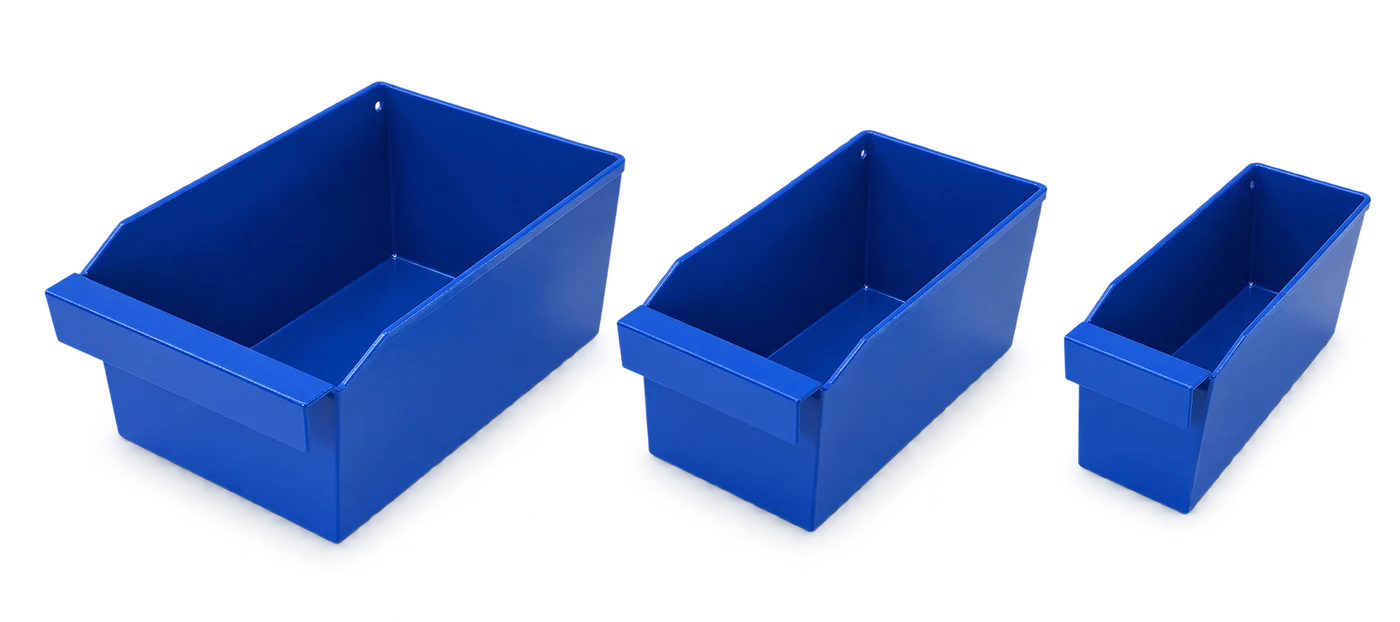
| Size | Width | Holds up to, 300 model | Holds up to, 500 model | On the tray |
|---|---|---|---|---|
| S | 100 mm | 5 / 10 kg | 10 / 20 kg | Plastic bin |
| M | 130 mm | 5 / 10 kg | 10 / 20 kg | Plastic bin |
| MM | 148 mm | 5 / 10 kg | 10 / 20 kg | Metal box |
| L | 190 mm | 5 / 10 / 20 kg | 20 / 40 / 80 kg | Plastic bin |
| XL | 250 mm | 20 / 40 / 80 kg | 20 / 40 / 80 kg | Plastic bin |
| 2XL | 300 mm | 20 / 40 / 80 kg | 20 / 40 / 80 kg | Nothing, or any container you like |
| 3XL | 600 mm | 40 / 80 kg | 40 / 80 kg | Nothing, or any container you like |
Load cells per tray: S, M, MM and L have one in the 300 model; S, M and MM have two in the 500 model; all other cells have four.
Cells without a box: items lie on the tray, or in any container that suits them, such as a cardboard box.
Each system is set up for the customer: you choose the cell sizes and the shelf heights for what you store. If the standard sizes do not suit, we make cells in other widths and with other weighing capacities.
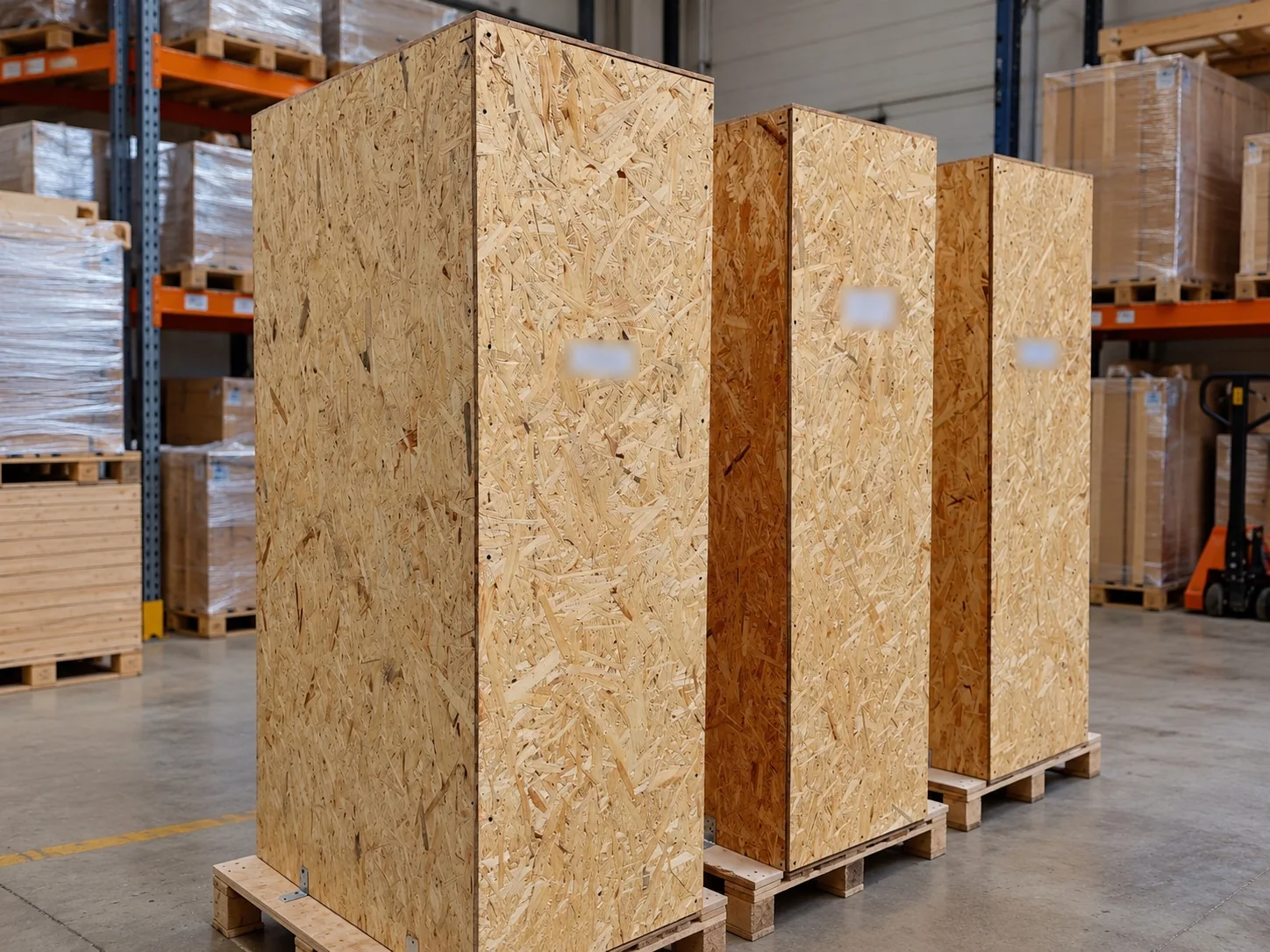
A main unit with one expander is sized to fit on one EUR pallet. Larger systems ship on two or more pallets and are joined on site.
Choose the modules, shelves and cell sizes, and send the layout to us for a quote.
 INOSTORAGE